

Download Typeshot – action typing game, typing practice, laser shooting game, word typing game, fun typing app
Overview
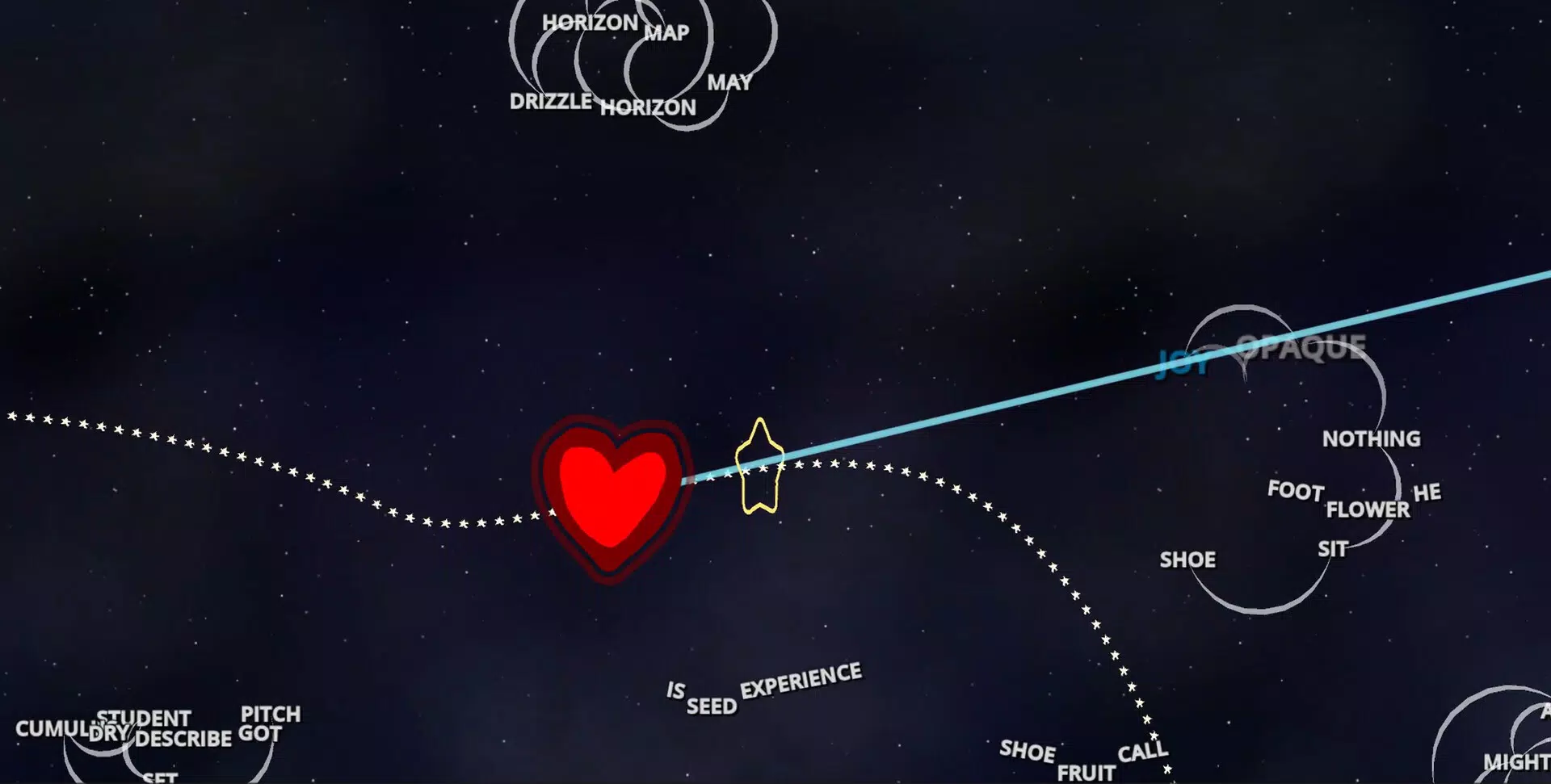
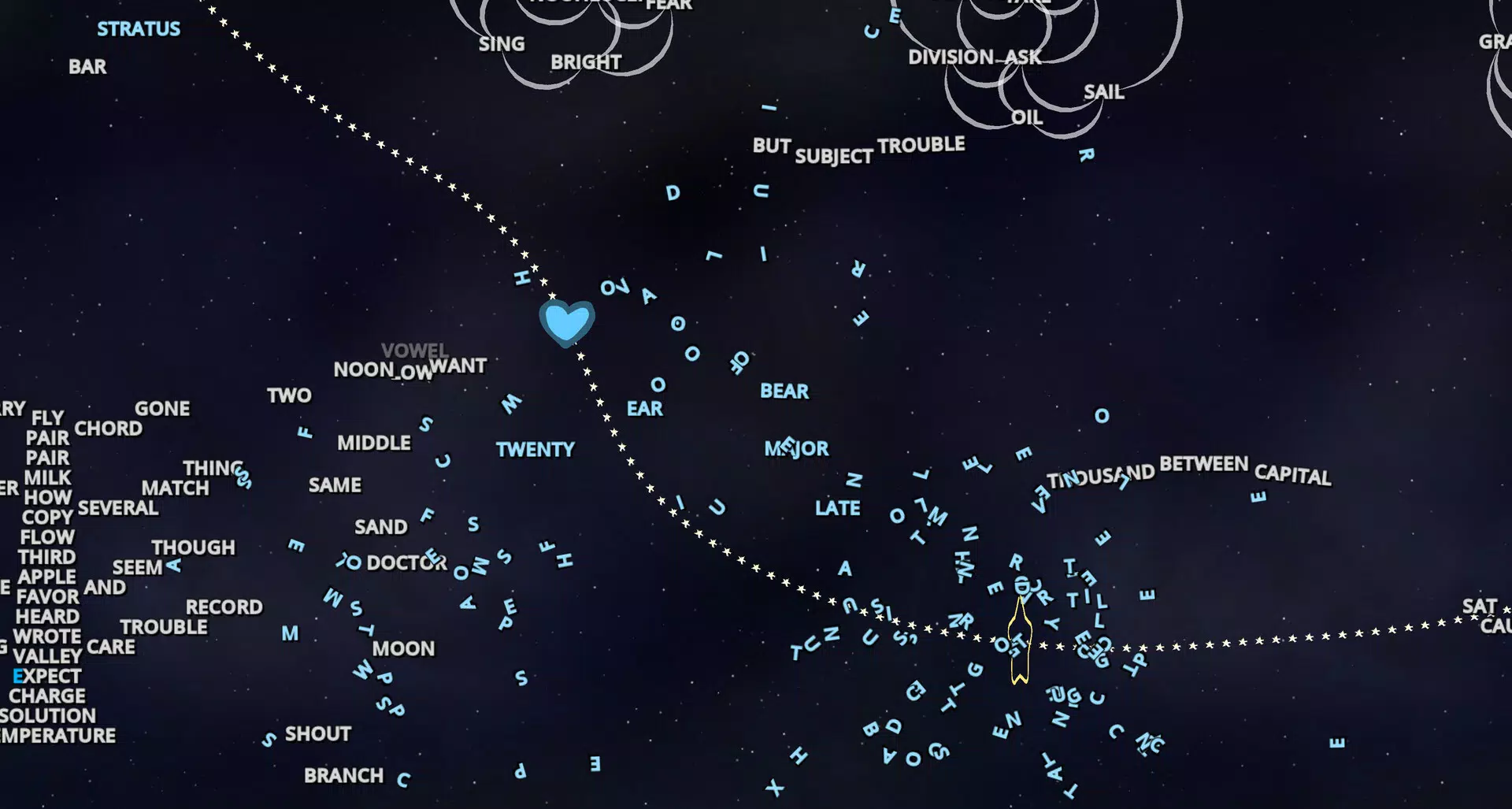
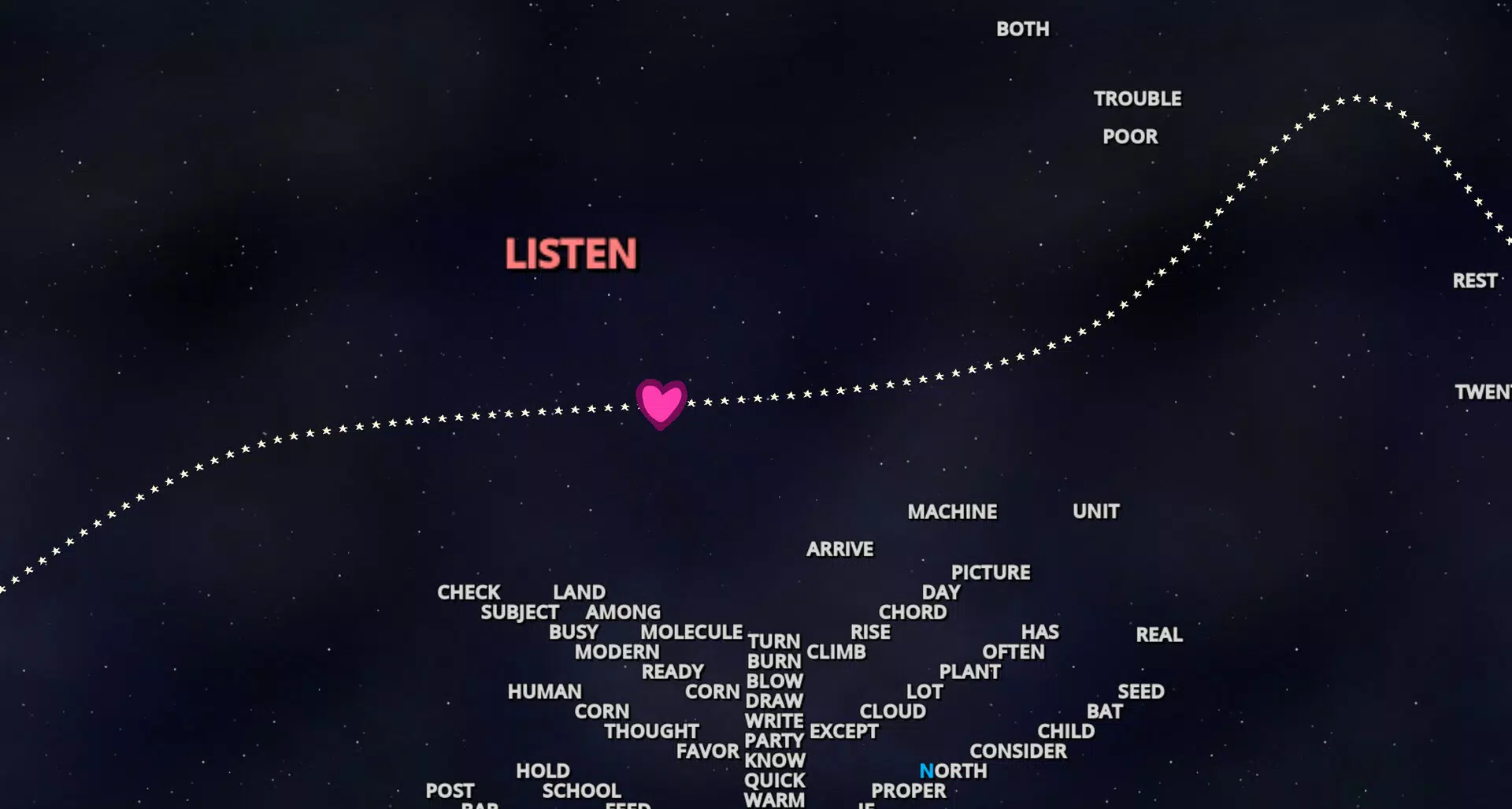
Typeshot is a dynamic mobile game that redefines typing practice by merging it with fast-paced action gameplay. Designed as an action typing game, it transforms the routine of typing into an engaging, arcade-style experience where each word typed fires a laser, directly impacting gameplay. This innovative approach appeals to users seeking both entertainment and skill development, particularly students, educators, and casual gamers interested in improving their typing speed and accuracy in a fun, immersive environment.
The game targets individuals who find traditional typing drills monotonous, offering a fresh alternative that rewards precision and quick reflexes. By turning word input into a shooting mechanic, Typeshot creates a unique learning environment where performance directly correlates with gameplay success. Real-world use cases include classroom typing drills, personal skill enhancement, and casual gaming during downtime. The game’s integration of heart customization and progressive difficulty ensures sustained engagement, making it a valuable tool in the growing category of gamified educational apps.
Developed by Typeshot Games, the app enters the mobile gaming ecosystem with a clear niche: blending productivity with entertainment. While the developer’s background beyond the app name is not disclosed, the game’s focus on user engagement and skill progression suggests a thoughtful design philosophy. The release on January 29, 2025, marks its debut as a modern take on interactive learning, positioning itself as a standout in the game category for users who value both fun and functional growth.
Key Features & Functionality
- Action-Packed Typing Mechanic: Each word typed triggers a laser shot, turning the keyboard into a weapon. This real-time feedback loop keeps players alert and engaged, reinforcing accurate typing under pressure.
- Heart Customization System: Players unlock different hearts, each introducing unique gameplay mechanics such as faster firing, wider laser spread, or special abilities. This allows for personalization based on preferred playstyle—aggressive, defensive, or balanced.
- Progressive Difficulty Curve: As players advance through levels, the speed and complexity of incoming words increase. This ensures that the challenge evolves with the user’s skill, maintaining motivation and preventing stagnation.
- Vibrant Visual Design: The game features dynamic, colorful graphics that enhance immersion. Animated explosions, smooth transitions, and responsive feedback contribute to a polished, visually appealing experience.
- High Replay Value: With multiple hearts to unlock and varied challenges, each session offers new goals. Players are encouraged to improve scores, experiment with different heart combinations, and explore new strategies.
For example, a user aiming to boost typing speed might adopt a heart that increases laser frequency, forcing quicker word input. Conversely, a player focused on accuracy may choose a heart that rewards precision with bonus points. These mechanics make Typeshot more than a game—it’s a customizable training tool disguised as entertainment.
Interface, UX & Performance
The user interface of Typeshot is designed with clarity and responsiveness in mind. The main screen features a central target zone where words appear, moving toward the player, while the keyboard remains accessible at the bottom. The layout ensures that typing actions are intuitive, with minimal visual clutter and clear feedback for successful inputs.
Navigational flow is straightforward: players begin a session, select a heart, and engage in real-time typing combat. The game’s responsiveness is evident in the immediate laser response to each typed word, creating a seamless connection between input and action. Although the developer did not list formal performance metrics, the game runs smoothly within its 200 MB size, suggesting efficient resource management.
Performance across different device categories appears consistent, with no reported lag or crashes in early access. Stability is maintained through clean code execution and optimized rendering. The game adapts well to various screen sizes, ensuring a comfortable experience on both smartphones and tablets. Overall, the UX prioritizes ease of use without sacrificing depth, making it accessible to beginners while still offering challenges for experienced players.
Platform Compatibility & Technical Requirements
Typeshot is available exclusively on the Android platform. It requires a device running Android OS, though specific minimum version requirements were not listed by the developer. The app’s file size is 200 MB, which is moderate for a game with dynamic graphics and real-time gameplay.
While the developer did not specify minimum OS requirements, the game’s design suggests compatibility with most modern Android devices released in the last three years. Installation is straightforward through official app stores, and updates are expected to be delivered regularly to maintain performance and introduce new content.
Given the app’s free pricing model, users can install and play without financial commitment. The absence of in-app purchases or ads was not confirmed, but the free access model supports broad adoption across diverse user groups.
Pros and Cons
- Unique fusion of typing practice and action gameplay
- Engaging visual style with vibrant, animated graphics
- Heart customization adds personalization and replay value
- Progressive difficulty keeps the challenge dynamic
- Free to download and install, no upfront cost
- Specific OS requirements not disclosed by the developer
- Platform availability limited to Android only
- No information on in-app purchases or ads
- Compatibility with older devices not confirmed
- Long-term content updates not specified
FAQ
Is Typeshot safe to download and install?
Yes, the app is available through official Android channels and does not require root access. It is free to install and does not request unnecessary permissions.
Can I play Typeshot offline?
While the developer did not specify offline functionality, the game’s core mechanics do not require an internet connection, suggesting it may be playable offline.
Does Typeshot include in-app purchases?
The developer did not disclose information about in-app purchases. The app is currently free to download, but future monetization models may be introduced.
Is Typeshot suitable for children?
Yes, the game is designed with family-friendly content and no violent imagery. It is appropriate for users aged 10 and up, particularly those interested in typing practice and casual gaming.
How often are updates released for Typeshot?
Regular updates are expected to maintain performance and introduce new hearts or challenges. However, the update frequency has not been officially announced.
Final Thoughts + CTA
Typeshot stands out as a bold innovation in the mobile gaming and educational app space. By transforming typing into an action-packed laser shooting experience, it successfully merges fun with functionality. The customizable heart system, progressive difficulty, and vibrant design ensure that players remain engaged over time, making it more than just a game—it’s a dynamic tool for skill development.
Whether you're a student aiming to improve typing speed, a teacher seeking interactive classroom tools, or a casual gamer who enjoys arcade-style challenges, Typeshot delivers real value. Its free availability on Android makes it accessible to a wide audience, while its thoughtful design sets a high bar for gamified learning apps.
Download Typeshot now


